Pantry Inventory Template: Know What You Have Before You Shop
Pantry inventory template with a simple item-and-quantity routine, a worked pantry example, and a grocery-list check before your next shopping trip.
By Ultimate Meal Planner by Cosmo Suite · Editorial policy
Published · 8 min read
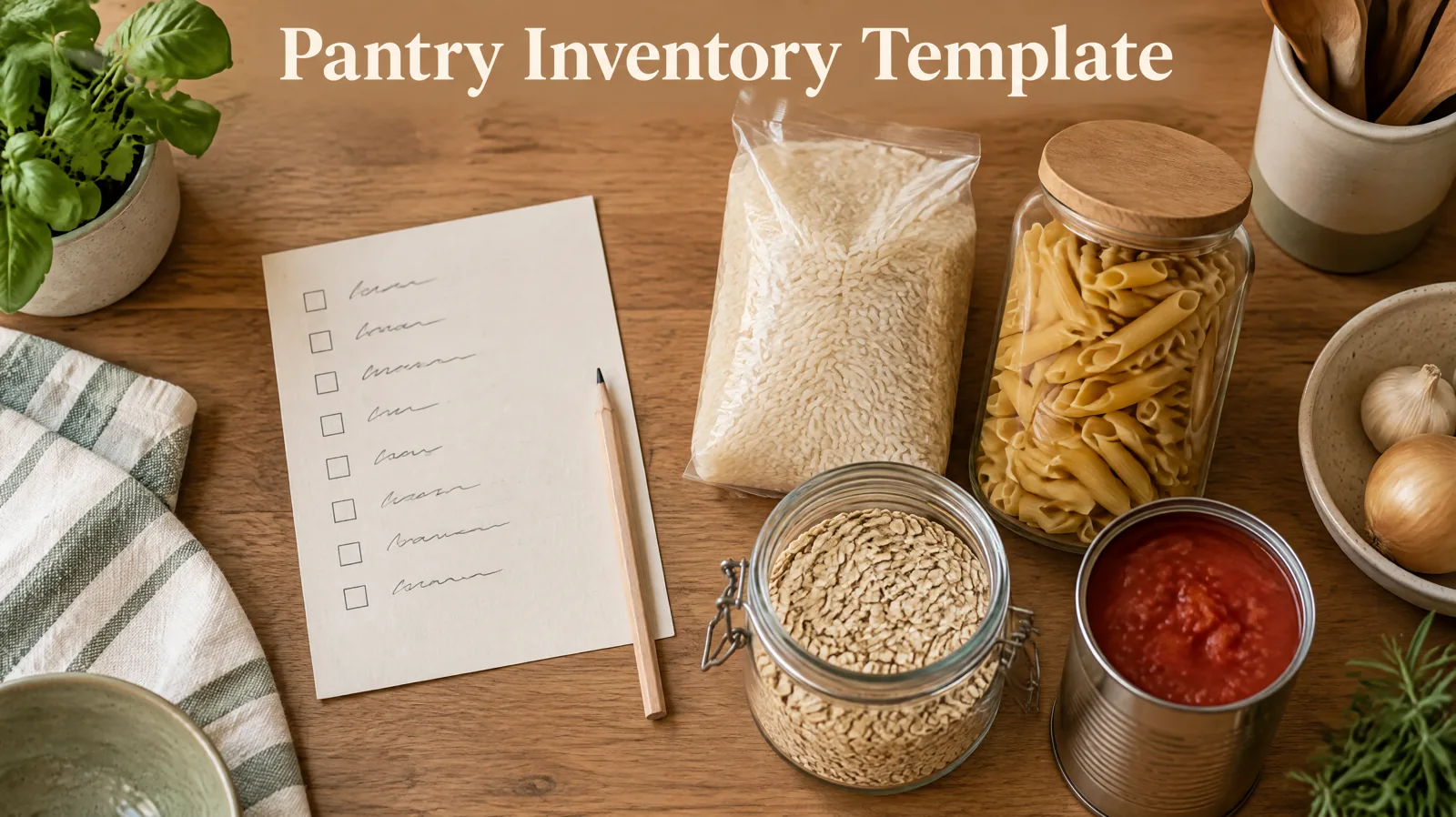
Sunday afternoon. You are checking the pantry before shopping, but the list is split between a cabinet note, a phone reminder, and what you remember. Rice may already be open. The tomato cans might be behind the pasta.
A pantry inventory template is a repeatable place to record what you keep and how much is on hand. Keep the list short enough to update, then check it against the meals you plan to make.
This guide gives you a worked example, the fields worth tracking, and a simple way to keep the list connected to the next grocery trip.
If you want the meal plan and list together, a meal planner spreadsheet with pantry inventory is one option to consider.
Before You Plan
- Start with item and amount. Add other fields only when they help you find or buy something.
- Track the pantry items that shape your next shopping trip, not every object in the kitchen.
- Check what you have before you add ingredients to the grocery list.
- Update a few entries as you use or replace items instead of starting over each week.
A pantry inventory template with a worked example
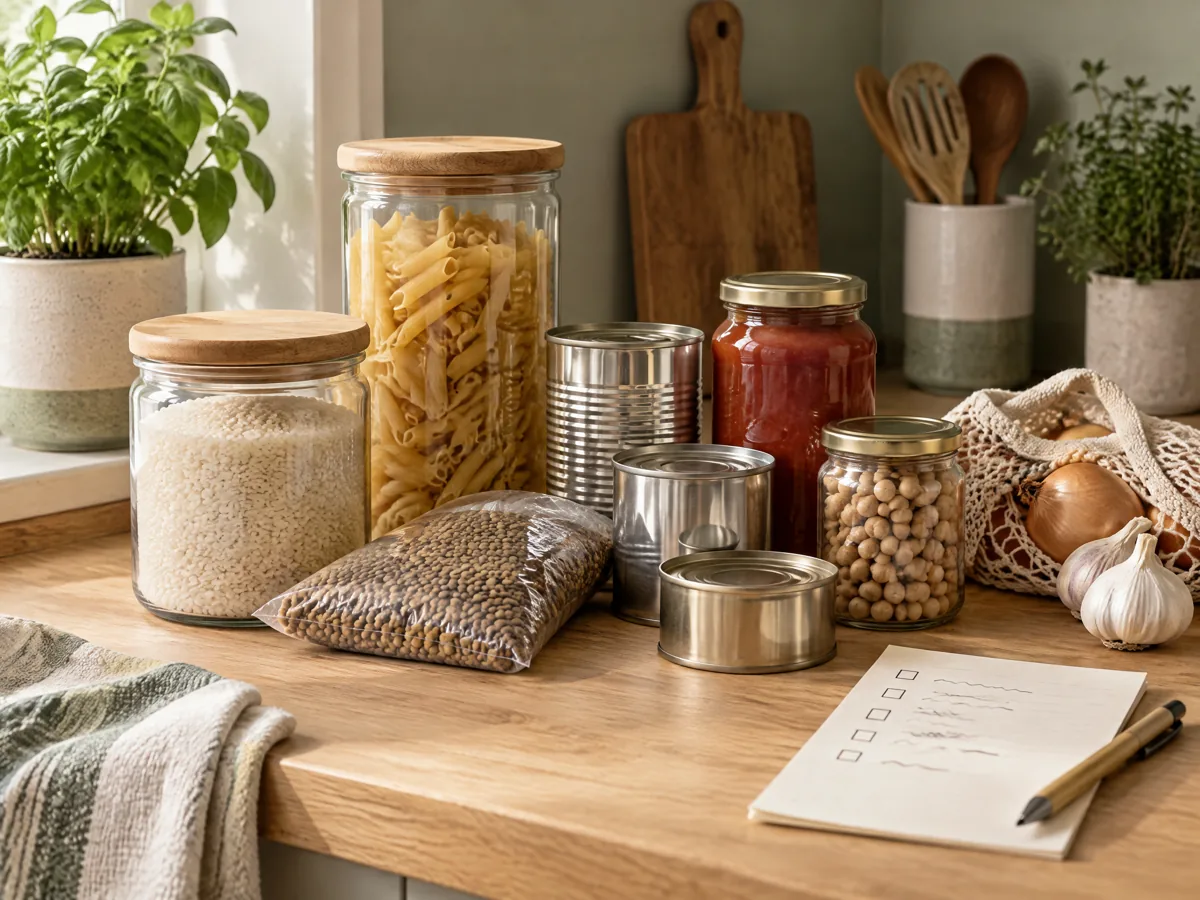
A useful pantry inventory template helps you answer two questions: what is on hand, and should it go on the next shopping list? Start with a few familiar ingredients and keep the record easy to scan.
This table is an illustrative example for a household list. It is not a set of product records or a recommended pantry stock.
| Item | Amount on hand | Before the next shop |
|---|---|---|
| Rice | One open bag | Check whether the amount will cover a planned meal |
| Pasta | A few unopened packages | Leave it off if you already have enough for the week |
| Canned tomatoes | One can in the cupboard | Add it only if a planned recipe needs another |
| Oats | Nearly gone | Put it on the list if breakfast uses it this week |
The point isn't precision for its own sake. Use a unit that helps you decide: a bag, a jar, a box, or a partial package. If you need a closer count for one item, record it there without making every row complicated.
Keep the inventory separate from the shopping list. The inventory says what is already in the kitchen. The shopping list says what you intend to bring home. Before you shop, compare the two and add only what the meals or household need.
If you are building the meal plan and list at the same time, this meal planner template guide shows how recipes, a weekly plan, and shopping needs fit together.
Pantry inventory template at a glance
Choose a format by asking what you need it to do before the next shop. A printable list is easy to keep beside a cupboard, a plain spreadsheet can hold a flexible item-and-amount list, and an inventory tab linked to a meal plan can put stock checks beside planned meals and the shopping list.
| Format | What it tracks | Feeds the shopping list? | Best for |
|---|---|---|---|
| Printable list | Items and amounts written by hand | Only when you compare it yourself | A paper-first routine |
| Plain spreadsheet | Rows of pantry items and amounts | Only when you check it yourself | Sorting or filtering a simple list |
| Inventory tab linked to a plan | Items and quantities alongside planned meals | Yes, when the sheet connects those sections | Keeping planning and stock checks together |
The useful choice is the one you will check while making the next list. You can begin with paper or a basic sheet, then move to a connected setup if comparing separate lists becomes awkward.
Which fields belong in a pantry inventory?
Begin with item and amount. Add a category or location note only when it solves a real problem in your kitchen.
| Field | What to write | Keep it when |
|---|---|---|
| Item | A name everyone in the household recognizes | You need to find or list the item |
| Amount | A useful count, package, or partial amount | It changes whether you buy more |
| Category | Pantry group such as grains or baking | You want to scan a long list by type |
| Location note | A cupboard or shelf name | Similar items live in different places |
| Shopping note | Buy, check, or leave off | It helps turn the inventory into a trip list |
You don't need every field. A one-shelf pantry may work with two columns. A larger kitchen may need categories or a location note. Write down only details you can keep current.
If you are making your own spreadsheet, freeze the header row and keep one item per row. Google Sheets can sort and filter spreadsheet data, while Excel can sort a range or table. A Google Sheets dropdown list can keep category names consistent when several people update the file. Use only the features your household will actually open. For refrigerator or freezer storage times, check FoodSafety.gov's Cold Food Storage Chart; an inventory list cannot determine whether food is safe.
How to build a pantry inventory without listing everything
Build the first version around the next shop. You can add rows later when a missing item causes a repeat trip or a duplicate purchase.
- Pick a small starting group. Choose ingredients you regularly check before shopping, such as grains, canned goods, breakfast items, or baking supplies.
- Write the item names plainly. Use words everyone at home uses. Avoid separate names for the same thing, such as "tomato tin" in one row and "canned tomatoes" in another.
- Choose an amount that helps. A package count is quick. A rough note such as "open" or "nearly gone" can be enough for items you do not measure.
- Add optional details only when needed. Use a category or location note if it helps someone find an item. Skip columns that do not change a shopping decision.
- Check the list before you shop. Compare it with the meals and household items you plan to buy, then update anything you used.
Do not begin by emptying every shelf. That creates a long first session before the list has proved useful. Start with the things you already check, then add another group when the routine feels manageable.

Connect the inventory to the grocery list
Your inventory tells you what's already at home. Your grocery list holds what you still need. Reading them together makes both lists easier to use.
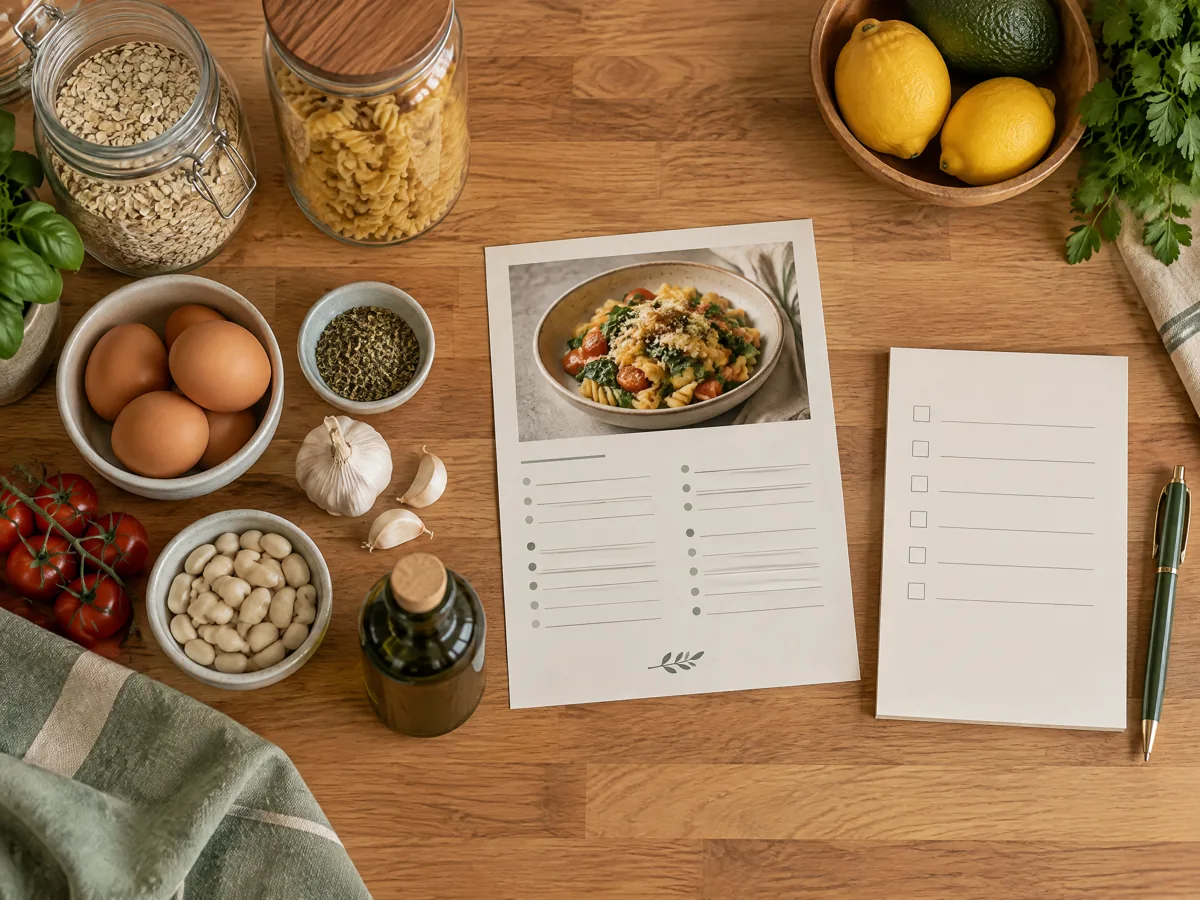
Start with the meals you plan to make. Look at the ingredients each meal needs, compare those items with what is on hand, then add the missing ingredients to the grocery list. Keep non-recipe items on the list too, since household basics may not appear in a meal plan.
For a useful grocery list, include the ingredient, amount to buy, and any note that helps you shop. A grocery list template connects list items to a meal plan. A master grocery list template can hold recurring household items, while a grocery list for the week starts from the meals you chose.
What keeps a pantry inventory useful?
A list is easier to keep current when it fits a habit you already have. Add or adjust an entry while putting groceries away, and remove or reduce it when you use the item.
Track decisions, not trivia. If a detail does not help you find, use, or buy an item, leave it out. The best field list is the one that helps your next shop.
Use the same words each time. A consistent item name makes a quick search or filter easier. If other people shop too, choose labels they will recognize without asking.
Let planned meals narrow the check. You do not need to inspect every shelf before every trip. Check the ingredients for the meals you picked, then scan the recurring items your household wants to keep available.
Keep the inventory and the list in step. When an item is already on hand, leave it off the grocery list unless the amount is not enough for the planned use. When you buy it, update the inventory while the new package is still in view.
If you want one place to connect meal choices with pantry quantities and shopping, a spreadsheet can keep those tasks together. The setup only helps if its rows match the way your household shops.
The part most guides leave out
An inventory earns its place when it answers a shopping question. A full catalogue of every package can take more time to maintain than it saves. Start with ingredients your planned meals use, plus the household basics you routinely check before a trip. Leave occasional items out until they matter to a real list.
Check stock at planning time. When you choose meals for the week, look at the ingredients each meal calls for and compare those with the relevant inventory entries. This is easier to act on than discovering a gap after you are already at the store. Add only the missing amount to the shopping list.
A short list can beat a perfect count. For many items, a useful note such as “open,” “one left,” or “nearly gone” is enough to decide whether to buy more. Save exact quantities for ingredients where the amount changes the plan. If an entry stops helping you decide, remove it or simplify it.
Keep the routine attached to something you already do. Update an entry as you put groceries away or use a tracked ingredient. Then give the list a quick check when you plan meals. That small repeatable loop is easier to sustain than a complete count started from scratch each week, and it gives the inventory a direct job in the shopping process.
Why Trust This Article
The Cosmo Suite team built Ultimate Meal Planner and prepared this guide from its published contents. We checked Google and Microsoft spreadsheet help and FoodSafety.gov's cold-storage chart on 28 October 2026. The example pantry rows are illustrative, not product data or a suggested stock list. The site's About page and editorial policy describe the publisher and review process.
The screenshots and illustrations elsewhere on the site are separate from this guide. No generated image here represents a product screen or a real pantry record.
Where Ultimate Meal Planner fits
Ultimate Meal Planner is a one-time spreadsheet by Cosmo Suite, not a subscription. Its Food Inventory section records pantry items and quantities, and the Shopping List tab sits in the same spreadsheet.
That connection can help when you want to compare the ingredients for a planned week with what you have recorded. The sheet does not map physical shelf locations or provide expiry-date tracking, so keep those details in a separate note if you need them.
The product includes the Meal Planner, Recipe Book, Food Inventory, Shopping List, and Printable Shopping List tabs. It works in Excel and Google Sheets. See the meal planner and grocery list spreadsheet if you want to review the contents before choosing a format.
Frequently asked questions
What should a pantry inventory template include?
At minimum, list the item and the amount you have. A category or location note can help in a large kitchen, but add columns only when they answer a question you ask before shopping.
How do I make a pantry inventory template?
Start with a short list of the ingredients you buy and use often. Record the item and amount, group similar items, then check the list before your next shop. Add optional columns only if you will keep them current.
How often should I update my pantry inventory?
Update it when you use a tracked item or put away groceries. A quick check before shopping can catch changes, but a complete recount each week is not necessary for a simple list.
Should a pantry inventory include the refrigerator and freezer?
It depends on what you need to find. Keep pantry, refrigerator, and freezer entries distinct if combining them would make the list harder to use. Do not use an inventory list as food-safety guidance.
Is a pantry inventory template different from a grocery list?
Yes. An inventory records what you have. A grocery list records what you plan to buy. Checking one against the other helps you avoid adding an item that is already on hand.
Can a pantry inventory template work in a spreadsheet?
Yes. A spreadsheet can hold item names and amounts, and you can sort or filter the rows. Google Sheets and Excel both provide built-in ways to sort tabular data.
What is the easiest way to keep a pantry inventory useful?
Track the items that affect your next shopping trip, then update those entries as you use or replace them. A short list you maintain is more useful than a complete catalogue you stop checking.
